
Business email and workspace on Google, Microsoft 365 or Zoho
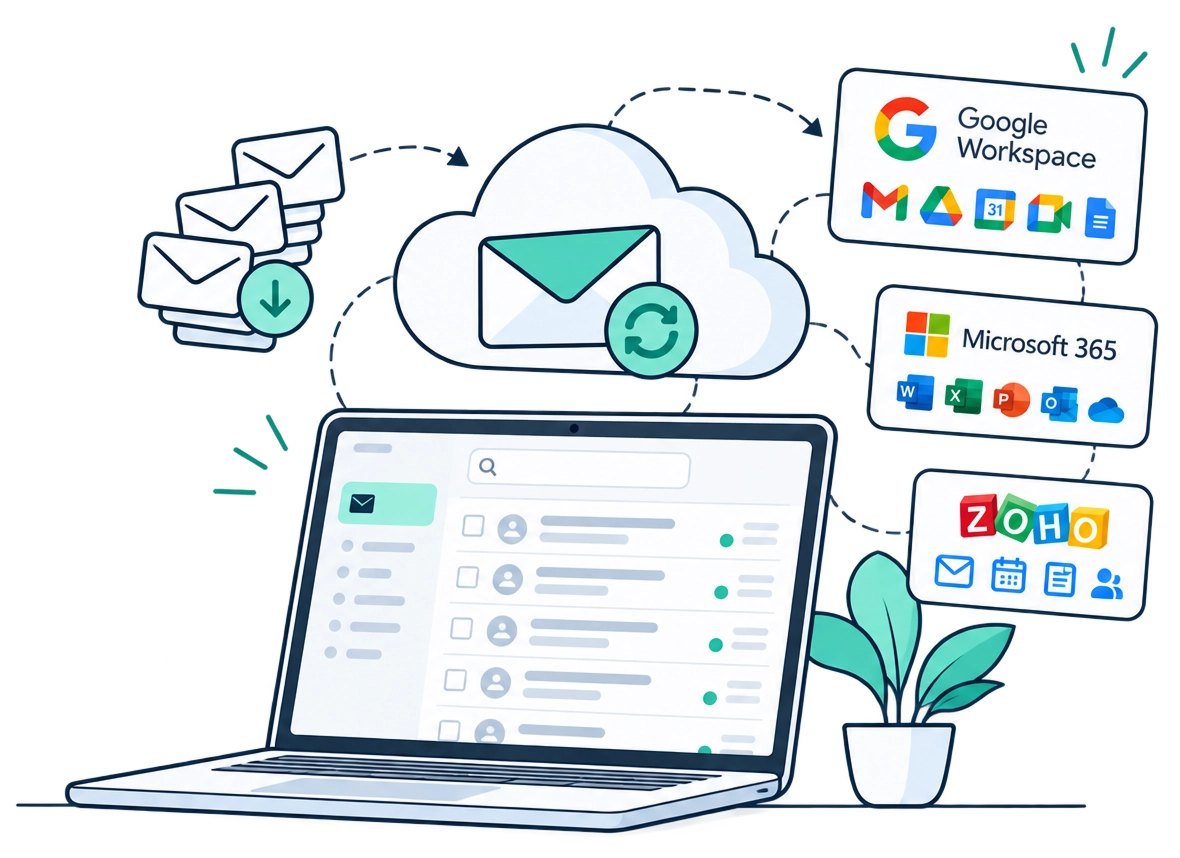
Cogniq sets up professional email on your own domain with Google Workspace, Microsoft 365 or Zoho, moves your old mail and files across, trains your team and manages it for you.
Set up my business email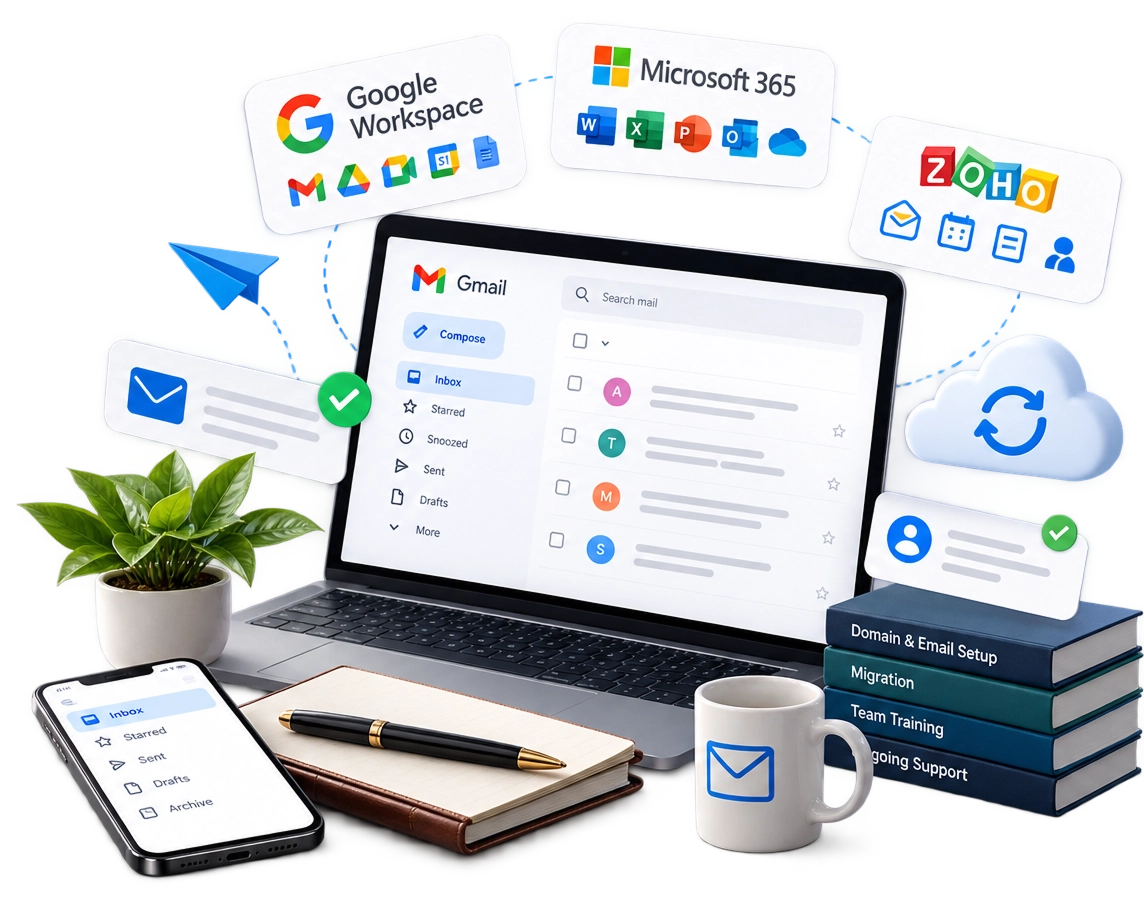
Is this you?
- Your team uses Gmail, Yahoo or other free addresses for business.
- Your current email host is slow, fills up, or sends mail to customers’ spam folders.
- Files live on personal laptops and WhatsApp, and go missing when people leave.
- You pay for email per user but nobody manages accounts, passwords or departing staff.
What’s included
Google, Microsoft or Zoho?
We explain the trade-offs for your team before you decide.
How it works
- 1ReviewYour current email, users and files.
- 2RecommendThe right platform and plan.
- 3Set upDomain, users and security settings.
- 4MoveMail and files migrated, usually with no downtime.
- 5Train and supportYour team trained, then ongoing admin.
- Professional email on your domain
- Shared drives and calendars
- Your old mail and files moved across
- One point of contact for every account question
Who it’s for
Small teams moving off free email · companies changing email provider · growing businesses that need someone to manage accounts · any business that wants its files in one safe place
Ways to work with us
Questions
Will we lose any email when we move?+
No. We move existing mail, contacts and calendars, and check them with you before switching off the old system.
Will email stop working during the move?+
We plan the switch so email keeps flowing, usually with no downtime.
Can we keep our current email addresses?+
Yes. Your addresses stay the same; only the system behind them changes.
How many users do we need to start?+
There is no minimum. We set up as many or as few as you need and add more later.
Can you add users later?+
Yes, at any time, at the same rate.
Who owns the account?+
You do. The workspace is registered to your company, with you as an administrator.